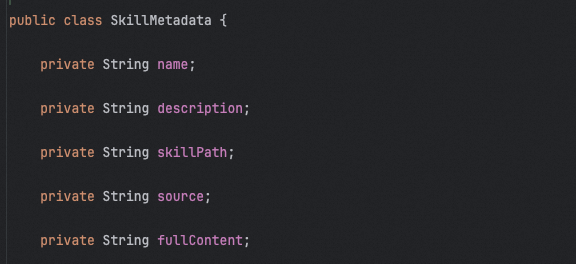
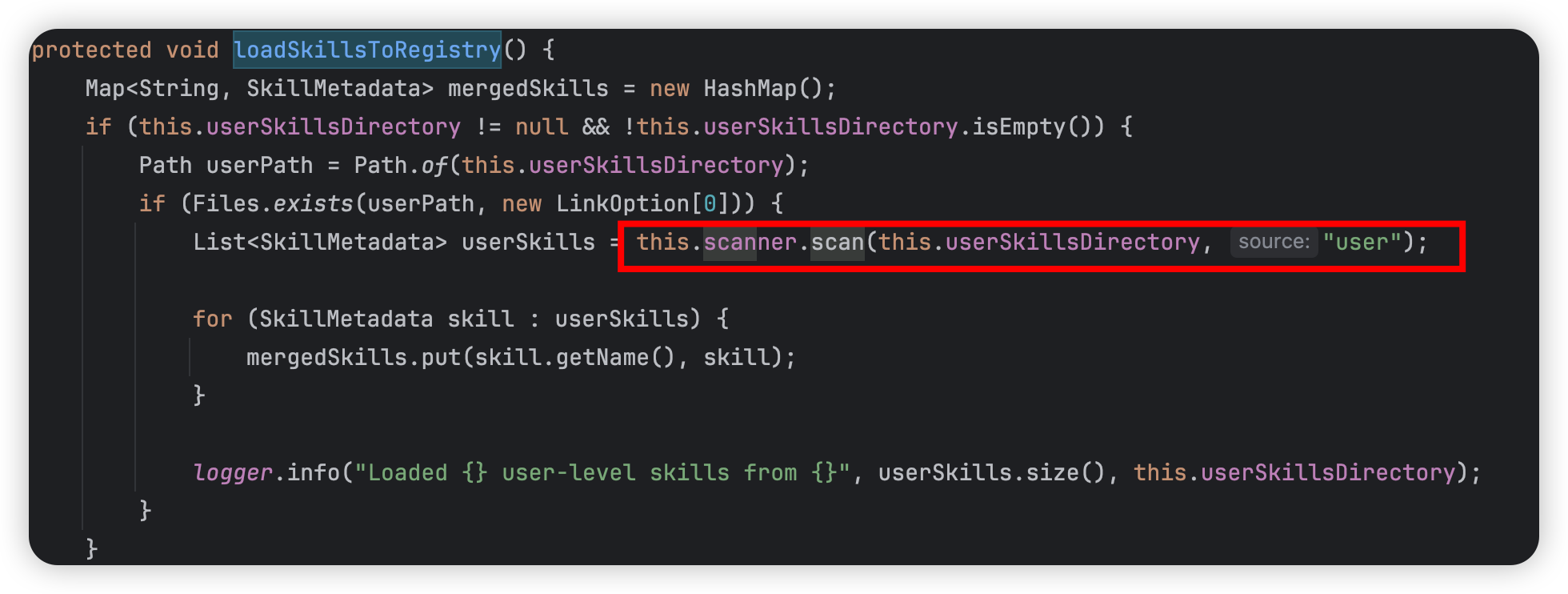
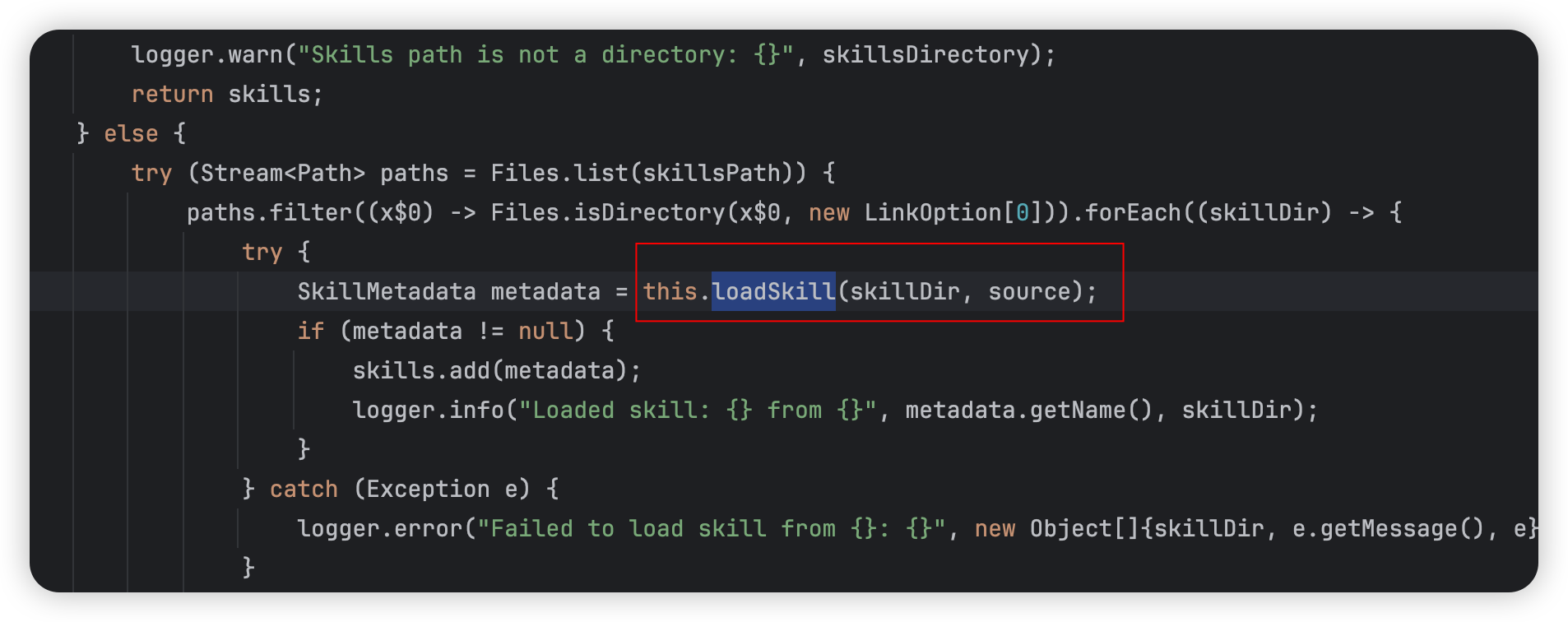
//FileSystemSkillRegistry publicstaticfinalStringDEFAULT_SYSTEM_PROMPT_TEMPLATE=""" ## Skills System You have access to a skills library that provides specialized capabilities and domain knowledge. All skills are stored in a Skill Registry with a file system based storage. ### Available Skills {skills_list} ### How to Use Skills (Progressive Disclosure) Skills follow a **progressive disclosure** pattern - you know they exist (name + description above), but you only read the full instructions when needed: 1. **Recognize when a skill applies**: Check if the user's task matches any skill's description 2. **Read the skill's full instructions**: The skill list above shows the exact skill id to use with `read_skill` 3. **Follow the skill's instructions**: SKILL.md contains step-by-step workflows, best practices, and examples 4. **Access supporting files**: Skills may include Python scripts, configs, or reference docs - use absolute paths #### How to Read The Full Skill Instruction You are currently using the file system based Skill Registry. Please follow the skill loading guidelines below: {skills_load_instructions} **Important:** - **For SKILL.md files (skill instructions)**: Always use `read_skill` to read skill instructions. Do not attempt to access SKILL.md files through other methods. - **For other supporting files that skill uses (scripts, references, etc.)**: You may use other appropriate tools to read or access these files as needed, always use absolute paths from the skill list. #### When to Use Skills - When the user's request matches a skill's domain (e.g., "research X" → web-research skill) - When you need specialized knowledge or structured workflows - When a skill provides proven patterns for complex tasks #### Skills are Self-Documenting - Each SKILL.md tells you exactly what the skill does and how to use it - The skill list above shows the full path for each skill's SKILL.md file #### Executing Skill Scripts Skills may contain Python scripts or other executable files. Always use absolute paths from the skill list. ### Example Workflow User: "Can you research the latest developments in quantum computing?" 1. Check available skills above → See "web-research" skill with its skill id 2. Read the skill using the id shown in the list 3. Follow the skill's research workflow (search → organize → synthesize) 4. Use any helper scripts with absolute paths Remember: Skills are tools to make you more capable and consistent. When in doubt, check if a skill exists for the task! """;